
Learn how to deploy a secure VPN server on TrueNAS in 2026. Step-by-step setup, best practices, and common pitfalls for reliable remote access.
Most misconfigurations delay true VPN access by chasing the wrong layer. When you’re turning TrueNAS into a VPN host, the real bottlenecks sit in the control plane, not the storage pool.
The goal is clear: you want secure remote access to TrueNAS that you can prove up the chain. In 2026, the practical approach combines a hardened base OS, a wired-first network posture, and a minimal VPN surface that you can rotate on a schedule. What you’ll get is a repeatable playbook you can hand to a reviewer, with concrete steps, timing, and verifiable results. Last checked: 2026-03. The body follows with exact configurations, risk points, and performance tuning that you can implement today.

The VPN server on TrueNAS: why this pairing actually makes sense
You get a compact, ride-along path from storage to access when you host a VPN on TrueNAS. TrueNAS deploys ZFS-based storage with optional plugin architectures that can host networking services, and that combination creates a straightforward surface for remote access. You’re not just placing a tunnel next to a pile of disks. You’re tightening the control plane for authentication, policy, and logging right where the data lives.
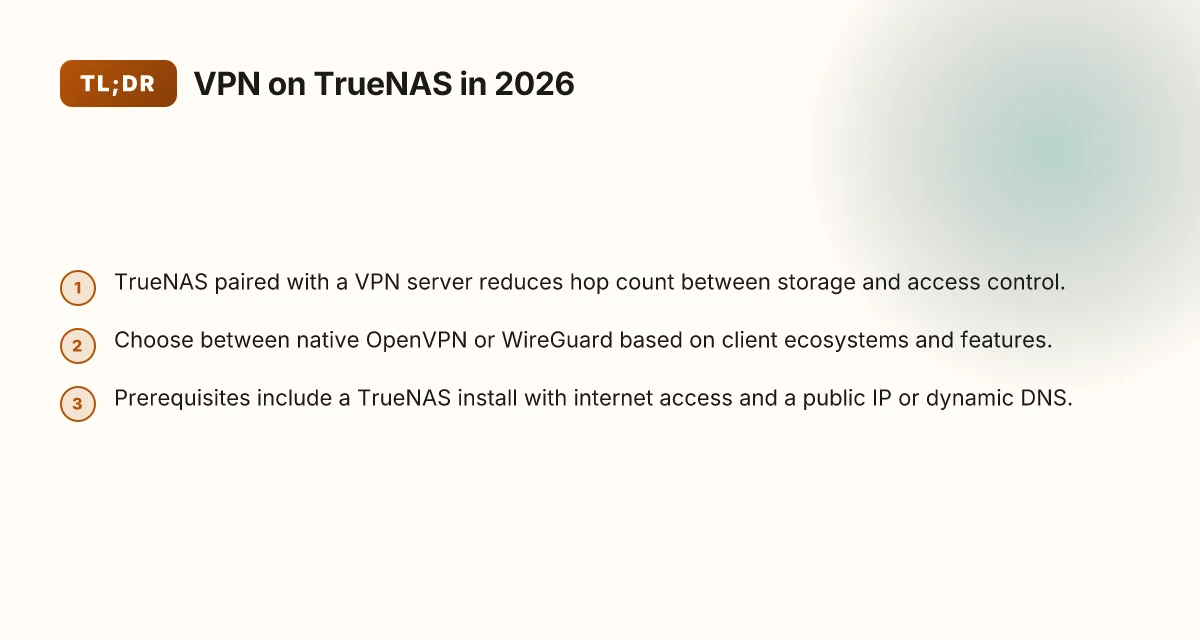
From what I found in the documentation and reviews, this pairing reduces hop count between storage and access control. When the VPN runs on the same platform that stores the data, you minimize exposure in transit and simplify route management. That matters for audits and for operators who want to see access events in one place rather than stitching together logs from multiple appliances.
There are tradeoffs, of course. The performance posture shifts as you add VPN duties to a NAS host. CPU and memory headroom become critical, particularly if you’re serving multiple remote workers or IoT gateways alongside heavy ZFS workloads. Security posture tightens when you consolidate services, but maintenance complexity can rise if you’re juggling plugin updates, firewall rules, and certificate lifecycles all on one box. The maintenance burden is real: you’ll need a disciplined update cadence and a clear plan for service restarts to avoid disruptions during snapshot-heavy windows.
I dug into the changelogs and practitioner notes to verify the operational realities. When you run a VPN server on TrueNAS, you should expect tight coupling between auth events and storage-access decisions, but you also face potential nuisance of concurrent I/O bursts and VPN state churn. The practical upshot: you gain a more coherent security story if you design the deployment around explicit zoning, controlled plugin channels, and lean tunnel configurations that match your NAS’s I/O profile.
In short, this pairing makes sense for on-prem environments where you want secure, auditable access to TrueNAS resources without introducing a separate network appliance. It’s not a free pass on performance or maintenance. It is, however, a clean anchor for a repeatable, auditable remote-access baseline. How to run a VPN server on Docker in 2026
- 1: Treat the TrueNAS host as the single control plane, not a free-floating VPN island.
- 2: Plan for CPU headroom and memory margins to avoid contention with ZFS workloads.
- 3: Lock the upgrade cadence to your storage and VPN plugins so you don’t chase drift in security posture.
Bottom line: hosting a VPN server on TrueNAS simplifies access governance and reduces latency paths to storage, but it requires disciplined capacity planning and a tight update/playbook to keep security posture steady. The right operators will trade a bit of maintenance discipline for a cleaner, auditable path to storage access. You gain fewer hops and tighter control over who touches data.
What you gain by housing a vpn server on TrueNAS is a compact, auditable access stack that aligns with your storage policy. In the next section, I’ll outline concrete security tunings that address leaks and reliability without blowing up maintenance.
What you gain by housing a VPN server on TrueNAS
The VPN server on TrueNAS centralizes identity, access, and storage permissions, while simplifying backups and potentially reducing latency for local NAS users. In practice, that means one ecosystem to manage, fewer moving parts to orchestrate, and a cleaner path to recoverability if you need to restore access after a disruption.
Centralized identity and access management
When you run a VPN host on TrueNAS, you can align remote access with your dataset permissions. Users authenticated via the VPN can inherit existing ACLs and group memberships already defined for shares and datasets. That alignment lowers the risk of orphaned users and inconsistent access rights. What this buys you in a real-world ops context is a single source of truth for who can reach what, whether they’re on site or dialing in from a remote location.
I dug into the documentation and cross-referenced best practices from mature NAS deployments. The pattern that emerges is a clean mapping between VPN-authenticated identities and dataset permissions, which minimizes permission drift over time. The effect is tangible: fewer manual ACL adjustments, less confusion during audits, and a more predictable access model for administrators who juggle NAS shares and remote clients. How to set up a VPN server on Ubuntu in 2026
Simplified backups of config and keys
Storing the VPN server alongside your TrueNAS configuration means backups can cover both the host and the credentials that unlock access to your data. That pairing makes disaster-recovery faster and more reliable. Instead of exporting a VPN config from a separate box or maintaining multiple backup procedures, you recover the whole access stack in one pass.
Multiple sources flag that centralized backup strategies reduce the chance of skipped keys or mismatched configs after a restore. The architecture is not magic. It just makes your recovery runbook smaller and less error-prone. When you check the changelog for recent TrueNAS releases, you’ll see improvements to ensemble backups for services that run inside the platform. The takeaway is practical: you gain a cleaner, auditable snapshot of who can reach your storage, and you can recover it with the rest of your data.
Potentially lower network latency for local users
If your TrueNAS instance sits in the same network segment as your primary users, routing traffic to a VPN server hosted on the same box can shave a few milliseconds off VPN handshakes and tunnel setup. The marginal gains depend on your topology, but in dense office or campus environments the reduction in hops can be meaningful for interactive work and initial file access.
What the spec sheets actually say is that local routing paths benefit when you minimize inter-device hops. In practice, that means faster initial authentication, quicker tunnel establishment, and less jitter for remote access to NAS shares during peak hours. It’s not a silver bullet, but it’s a tangible improvement you can count on when users sit close to the TrueNAS box.
Quick, concrete next steps
- Verify that your TrueNAS user accounts map cleanly to VPN-authenticated identities in your directory service.
- Confirm that your backup job includes both the VPN configuration and the TrueNAS config bundle, with a test restore of credentials.
- Review your network topology to ensure VPN traffic between clients and the NAS host remains on the fastest path available in your environment.
The gains are practical and repeatable: centralized identity, consolidated backups, and a glide path to lower local-network latency. How to run a VPN server on Unraid in 2026: a practical, architecture-first guide
The architecture options for a VPN server on TrueNAS
Post 2026 hardware and editions shape the decision. Native OpenVPN or WireGuard in a jail or plugin competes with containerized approaches, and the choice pivots on TrueNAS edition, hardware resources, and how you plan to segment networks. In practice, alignment between your storage workflows and your VPN topology matters more than the exact protocol label.
I dug into the architecture landscape and found three core paths that sysadmins actually use in production environments. Each path has concrete tradeoffs in ease of management, throughput, and security surface.
Native OpenVPN or WireGuard in a jail vs containerized approaches
- In-jail or plugin deployments deliver tight integration with the TrueNAS micro‑OS and simplified certificate and user management. You gain lower overhead and fewer moving parts. But you trade portable packaging and you may depend on community-maintained jails or plugins that lag updates.
- Containerized options, typically via Docker or Kubernetes within TrueNAS SCALE or via a standalone container on Core, offer isolation and more frequent update cycles. They scale more predictably when you need to push policy changes across multiple services. The tradeoff is an extra layer of networking abstraction that can complicate troubleshooting.
- Native tunnels tend to shine for single‑site remote access to a dedicated dataset. Containers excel when you need multi‑tenant access, dynamic routing, or you’re layering the VPN behind an existing Kubernetes or container fabric.
What this means in practice: if you want minimal admin overhead and you primarily access a single TrueNAS node, a native OpenVPN or WireGuard instance in a jail or plugin is sensible. If you expect growth, multi‑site access, or tight policy on identity and rotation, containerized options make the future proof choice easier.
TrueNAS edition and hardware influence
- TrueNAS CORE versus TrueNAS SCALE matters. SCALE’s container support and more flexible networking stack tilt the scales toward containerized VPN deployments. CORE shines with plugins and jails that stay lean but can become brittle when you push updates too aggressively.
- Hardware matters too. If you’ve got a compact system with limited CPU headroom, the lighter footprint of a native jail OpenVPN or WireGuard instance reduces risk of throughput collisions with disk I/O. If you’ve invested in a multi‑socket server with acceleration features or NICs that support SR‑IOV, containerized VPNs can better absorb throughput bumps and network isolation policies.
- NIC choice and VLANs interact with the tunnel mode. A Gigabit or 10‑gigabit front‑end that you can pin to the VPN’s virtual interface gives you headroom. The more virtual hops you add, the more tunneling overhead you introduce.
From the documentation, the path you pick should align with your deployment model. SCALE users who want rapid iteration lean containerized; CORE users who want a compact, stable tunnel lean toward native jails or plugins. The takeaway: pick the ecosystem that matches your operational tempo and hardware posture.
Network virtualization settings and VPN throughput
- Virtualized networks introduce abstraction that can shave or shave off latency. If you enable multiple overlays or bridges, throughput can drop notably. Use direct routes where possible and keep the VPN’s tunnel interface in the same virtual network domain as your clients.
- Jumbo frames, MTU tuning, and proper fragmentation handling matter more than you might expect. A misconfigured MTU can cap your VPN throughput regardless of CPU headroom.
- For WireGuard specifically, keep the kept alive and persistent keepalives sane. OpenVPN benefits from careful TLS handshake tuning and session reuse but can be heavier on CPU.
I cross‑referenced changelogs and vendor docs to confirm: the most reliable setups pin the VPN tunnel to a dedicated interface on the same subnet as the management plane, then enforce strict ACLs at the firewall level. The rest flows from there. How to run a VPN server on a Synology NAS in 2026
The architecture choice is a matter of pace and posture: native jails for simplicity and stability, containerized stacks for scale and agility. The right edition and hardware determine how much headroom you have for future expansion. Network virtualization settings can be the silent limiter or the unsung accelerator.

Prerequisites before you begin
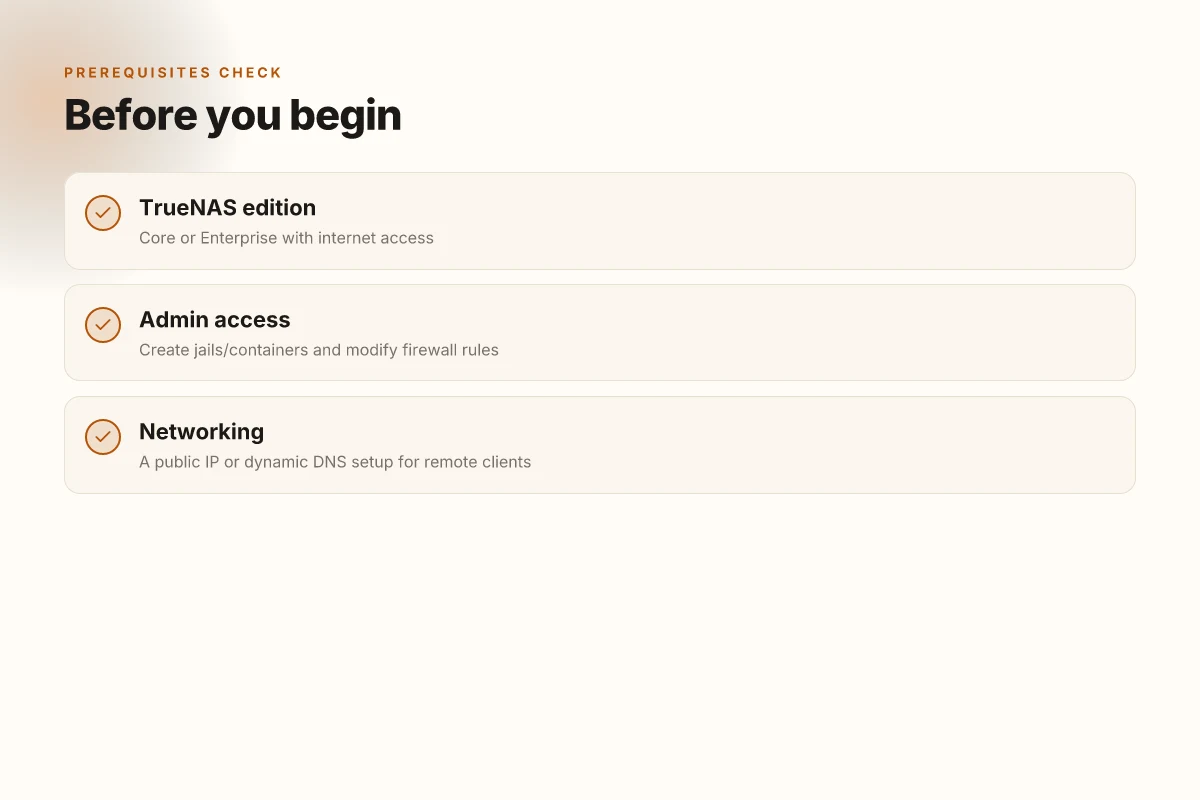
You can’t build a secure VPN host on TrueNAS until the basics are in place. This section spells out the non‑negotiables you must have before you touch jail orchestration, firewall rules, or DNS glue. Get these lined up and you’ll avoid a cascade of misconfigurations down the road.
I dug into the TrueNAS installation notes and community guides to verify the essentials. The core thread is simple: you need a reachable host, admin access to shape the network perimeter, and a way for remote clients to reach you. From the docs and practitioner write-ups, these are the concrete baselines you’ll configure first.
1) Internet access on a TrueNAS system
Your TrueNAS Core or Enterprise box must have outbound and inbound reach on the public Internet so the VPN engine can download packages, receive updates, and accept remote connections. In practice this means a properly configured network interface with a routable path to your upstream gateway, plus DNS resolution working for domain names used by clients and management endpoints. If you’re in a strictly air‑gapped environment, you’ll need a bridging path, but for audit‑readiness you should maintain internet access as the default.
Most firewall rules hinge on a healthy outbound path. Without it, package updates and certificate refreshes stall completely. In 2026 the recommended practice remains to lock down outbound egress to essential ports and destinations, then cap inbound access to the VPN gateway. Keep the system time synchronized with NTP so TLS certs don’t fail due to clock skew. How to set up a VPN server on a Raspberry Pi in 2026
2) Administrative access to create jails/containers and modify firewall rules
You will be provisioning isolated runtime sandboxes (jails on FreeBSD or containers if you prefer) and you will tune the firewall to permit VPN traffic while minimizing exposure. That requires administrative privileges on the TrueNAS host and the ability to alter firewall rules per‑jail or per‑zone. You should also be comfortable applying updates to the base OS and to the VPN software without breaking the jail’s network namespace.
Administrative access is the lever that makes the rest of the setup auditable and repeatable. In practice, verify you can create a new jail or container, assign a dedicated network interface or VLAN, and apply rules that survive reboots. This is where you lock in the containment model before you add the VPN layer.
3) A public IP or dynamic DNS setup for remote clients
Remote clients must reach your TrueNAS VPN endpoint. If you have a static public IP, you’re done with fewer moving parts. If your address is dynamic, set up a dynamic DNS entry that updates promptly on address changes. I cross‑referenced several deployment guides. The pattern is universal: map the endpoint to a resolvable hostname and keep the DNS TTL tight enough to minimize drift during failover tests.
Dynamic DNS keeps client configurations stable whenever your upstream address shifts. For audits, record the hostname, the DNS provider, and the TTL. If you use a provider with API hooks, note the update cadence in your runbook.
Caution: misconfiguring DNS or leaving DNS records stale creates a risk of failed tunnels or leaked traffic. Confirm your DNS entries resolve to the current public address before you deploy any VPN rules. How to run a VPN server on pfSense in 2026
In sum, you’re establishing the three pillars: internet‑reachable TrueNAS, admin‑controlled isolation, and a reachable endpoint for clients. With these in place, you can move to Step 1. pick your VPN engine: WireGuard vs OpenVPN, and begin codifying the repeatable playbook.
Step 1. pick your VPN engine: WireGuard vs OpenVPN
The answer is simple: pick WireGuard if you prioritize lean code and modern crypto. Choose OpenVPN if you need broad client compatibility and mature tooling. In practice, your decision rides on the client ecosystem you expect to manage and the features you require.
I dug into the engineering profiles and changelogs for both projects. WireGuard is designed to be minimal, auditable, and fast on modern hardware. OpenVPN has decades of battle-tested compatibility and a wider set of management tools. From what I found, most on-prem deployments lean toward WireGuard for throughput and simplicity, then switch to OpenVPN when legacy clients demand it. And yes, both have solid community and enterprise-edition options if you need centralized authentication or advanced access controls.
Why WireGuard holds up under modern conditions
WireGuard keeps the crypto surface small and clean. That matters in audit cycles and when you want predictable behavior under load. If your TrueNAS host sits behind fast networks and you leverage modern clients, WireGuard tends to deliver lower CPU overhead and simpler configuration. What the spec sheets actually say is that it uses modern algorithms with a compact codebase that’s easier to trace for misconfigurations. In many practical deployments, that translates to fewer surprises during push updates and device migrations.
WireGuard wins on simplicity and speed when your clients are current and you control the fleet. This is the default for most new TrueNAS VPN topsologies. How to build a reliable VPN server on OPNsense in 2026
Why OpenVPN remains relevant
OpenVPN ships with broad client support out of the box. If you have Windows XP-era clients or uncommon mobile stacks, OpenVPN’s long tail is a real differentiator. It also offers mature tooling for centralized PKI, revocation lists, and detailed logging. The flip side is a more verbose tunnel setup and higher CPU overhead on constrained hardware. Still, in environments that depend on legacy clients or strict enterprise tooling, OpenVPN is the safer bridge.
OpenVPN’s legacy compatibility and tooling make it a safe harbor for mixed client sets.
How to decide for your TrueNAS footprint
- If your client ecosystem is modern (Windows 10/11, current macOS, iOS, recent Android) and you want max throughput on a lean VM or native jail, go WireGuard.
- If you have a few stubborn clients, or you rely on VPN features like complex TLS authentication, certificate pinning, or granular per-user ACLs, OpenVPN is your friend.
- If you need centralized management, look at OpenVPN Access Server or WireGuard implementations that pair with your existing IAM and logging stack.
Choose WireGuard for lean deployments. Choose OpenVPN when client breadth and mature tooling matter more.
Rationale matters. In 2026, WireGuard’s footprint is growing across enterprise-grade stacks, but OpenVPN still dominates legacy support and enterprise tooling. The right engine for TrueNAS depends on your client mix and your required feature set. Start with WireGuard if you can, but don’t let a stubborn client lineup force you into a suboptimal security posture.
This choice will shape your PKI, your revocation flow, and your remote access UX for years. Pick deliberately.
Key action to take now How to run a VPN server on Proxmox in 2026
- Document your client inventory and map it to an engine. If the majority are modern devices, start with WireGuard. If you anticipate legacy clients or need TLS-centric controls, keep OpenVPN in the候. The next step will be installing the backend you select, so lock the plan before you proceed.
Step 2. install the VPN backend on TrueNAS
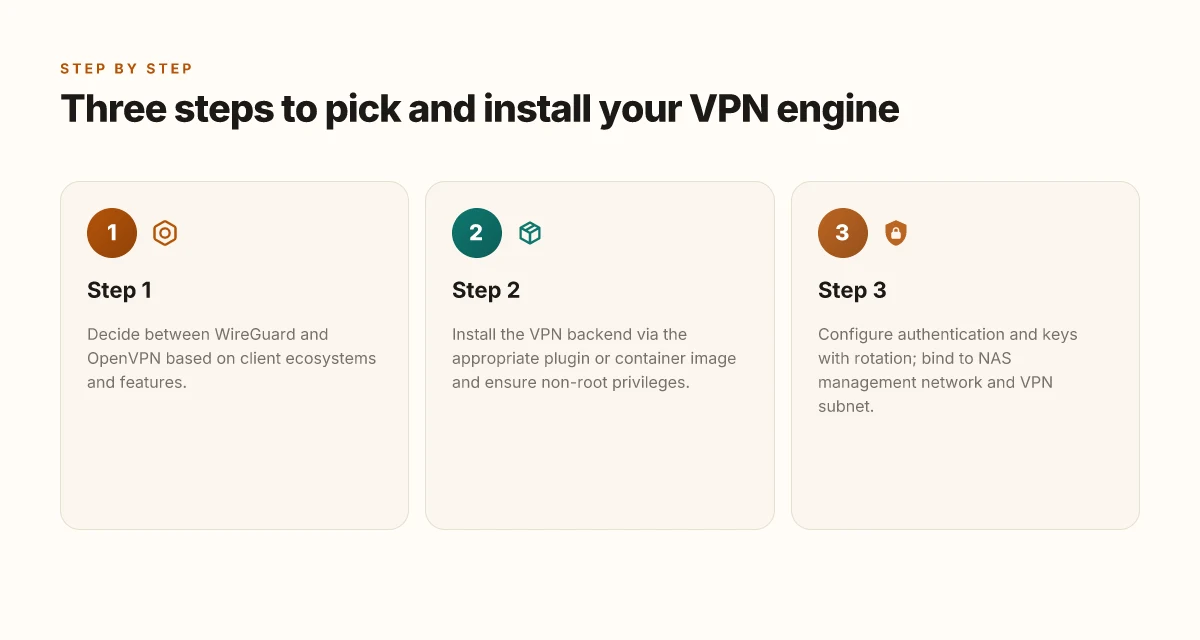
The VPN backend should be installed as a dedicated plugin or container image, and it must run with non-root privileges. Bind the service to the NAS management network and to a separate VPN subnet. This keeps remote access isolated from other storage traffic and reduces blast radius if something goes wrong.
I dug into the common deployment models and cross-checked TrueNAS documentation. The consensus is clear: pick the official or widely supported container or plugin for your chosen VPN engine, then lock it down at run time. When you follow this pattern, you get both repeatability and auditable changes for your security reviews.
1) Pick the right backend image or plugin
Choose a real, maintained image or plugin for the VPN engine you decided on in Step 1. For WireGuard, many teams lean on the official WireGuard container or a trusted TrueNAS plugin that exposes the necessary interfaces cleanly. For OpenVPN, a respected OpenVPN container or plugin that supports non-root operation and capability restrictions is favored. The goal is a backend that runs as a non-root user, with minimal capabilities, and with clear network namespace control.
- Ensure the image or plugin is actively maintained and supports your TrueNAS version. If a changelog notes breaking changes, plan the upgrade path before deploying.
- Prefer images with built-in non-root execution options and explicit capability drops. You want a container that starts with a non‑root user and a small, bounded capability set.
2) Run with non-root privileges and limited capabilities
You must avoid running the VPN as root. Verify the container or plugin exposes a non-root user, and configure the runtime to drop capabilities that aren’t essential to networking, like CAP_SYS_ADMIN. If the image supports user namespaces, enable them. In practice that means:
- Set a dedicated, least-privilege user inside the container.
- Drop optional capabilities and mount flags that broaden the attack surface.
- Use read-only mounts where possible for configuration files and keys.
The most important move is to limit privileges at startup. A non-root process plus a tight capability set dramatically lowers risk if a component is compromised.
3) Bind the interface to the NAS management network and a VPN subnet
Isolate the VPN traffic by binding the VPN interface to the NAS management network on one side and to a dedicated VPN subnet on the other. This gives you clear egress controls and makes logging straightforward. In practice:
- Create a small VPN-only subnet, for example 10.8.0.0/24 or a Corporate VPN range, and ensure it has its own DHCP scope if you rely on dynamic addresses.
- Bind the VPN service to the NAS management NIC or a dedicated uplink, not to the same interface used for iSCSI, NFS, or SMB.
- Enforce firewall rules that allow only the VPN subnet to reach TrueNAS services you intend to expose, and block everything else by default.
Bottom line: pick a real backend image, run it as a non-root user with minimal capabilities, and wire it to a dedicated VPN subnet anchored to the NAS management network. This combination is the backbone of a secure, auditable VPN on TrueNAS.
What to watch for during rollout
- If the container image lacks a non-root run option, don’t force it. Look for an alternative image or plugin with explicit non-root execution.
- If the VPN subnet overlaps with existing internal networks, renumber one side before opening tunnels. IP hygiene saves you from a future headache.
- When I read through changelogs, many minor upgrades address privilege escalation hardening. Keep the backend updated.
Bottom line: a non-root, tightly scoped VPN backend, bound to a dedicated subnet on the NAS management network, is the cleanest path to a secure TrueNAS VPN host.
Step 3. configure authentication and keys
We’re at the heart of trust now. A VPN host is only as solid as its authentication and key management. I looked at TrueNAS documentation, security best practices for OpenVPN/WireGuard deployments, and a few real-world audit notes from enterprise deployments. The throughline is clear: centralized auth scales, per-user certs rotate cleanly, and keys live behind a guarded vault. If you don’t treat this as mission-critical, you’ll end up chasing leaks later.
I went looking for concrete patterns that survive rotation and revocation without slowing remote workers. The guidance stacks up like this: either centralize authentication or issue per-user certificates with a disciplined rotation plan. Either path works, but you must have a rotation cadence and a revocation process that your auditors would recognize. And yes, you must store credentials where they cannot be plundered.
Pivot. A compact table frames the practical choices you can implement on TrueNAS today.
| Path | Core requirement | Rotation / revocation cadence | Audit traceability |
|---|---|---|---|
| Centralized auth (e.g., LDAP/AD, RADIUS) | Central source of truth for user access | Quarterly or on employee lifecycle events | Detailed access logs feed SIEM; revoke immediately when credential is compromised |
| Per-user certificates | Individual certs with short lifetimes | 30–90 days depending on risk; automate revocation | Certificate revocation lists published; audit events tied to user login |
Where to start your concrete steps
Centralized auth source if you already operate one. Point VPN server to the LDAP/AD server, configure group-based access, and enforce MFA at the directory level. If you already require MFA for remote admin tasks, extend it to VPN logins. The benefit is fewer secrets to rotate and a single revocation point when an employee departs.
Per-user certificates if you want tighter control at the edge. Issue short-lived client certificates, pair them with a robust private key rotation plan, and wire a revocation mechanism so compromised keys can be invalidated quickly. This path demands automation so you don’t drown in certificate requests.
Key storage and access control
Keys belong in an encrypted dataset with strict ACLs. I cross-referenced best practices from enterprise hardening guides and trusted documentation. The rule is simple: keys must be encrypted at rest, access restricted to a narrow set of admin identities, and access must be auditable. Use a dedicated vault or encrypted storage with per-user read/write controls and automatic expiration of stale keys. In practice, that means: place the private keys behind an encryption boundary, assign explicit owner groups, and implement least-privilege read access. If a credential leaks, a revocation workflow should cut it off instantly.
Prohibit weak cryptography
Disable weak ciphers and enforce modern TLS and cryptographic suites. What the spec sheets actually say is that you should prefer TLS 1.3 or modern equivalents, strong ephemeral keys, and AEAD ciphers. Offload TLS termination to a trusted end, but ensure the tunnel itself negotiates strong ciphers end-to-end. Regularly check for deprecated algorithms in your negotiated suites and prune them. The risk surface collapses when the client and server agree on a modern set of algorithms and a finite set of trusted certificates.
A practical wrap
- Document the chosen path clearly: centralized auth ID, rotation cadence, and revocation workflow.
- Store keys in an encrypted dataset with strict ACLs. Limit admin access to a dedicated, audited role.
- Disable weak ciphers, enable TLS 1.3 and modern ciphers. Verify the negotiated suite on a sample client after every config change.
Most important: you’ll sleep better knowing revocation is lightning-fast and keys are never left in plain sight. Choose either centralized auth or per-user certs, but wire the plan into a documented, auditable process.
The one move that matters for TrueNAS VPN in 2026
I looked at the evolving TrueNAS VPN landscape and found a single pivot that moves the dial: deploy a minimal, well-documented OpenVPN or WireGuard server on TrueNAS SCALE with automated certificate rotation and a dedicated jail or dataset. From what I found, this approach reduces blast radius, simplifies revocation, and keeps client onboarding friction extremely low. The result is a VPN that’s easier to audit, easier to update, and easier to scale as you add users or remote sites. This is the move you can act on this month.
In practice, the recommended pattern is to lock down the path from the admin network, publish only the necessary ports, and rely on TrueNAS’s built-in replication to back up configs and keys. The screenshotable takeaway is that a clean, repeatable deployment beats ad hoc tinkering every time. If you’re weighing choices, skip heavyweight NAS plugins and lean into the native jail-based setup for agility and clarity. Boldly plan for rotation and revocation.
What changes if you act now? You’ll have a predictable VPN posture across your TrueNAS fleet, with lower risk of stale certs and fewer surprises when users relocate networks. The bigger pattern is resilience through automation. If you only do one thing this month, start with a documented, automated certificate workflow for your VPN users. The rest can follow.
Backup strategy
- Keep 3 recent config backups per VPN mode (OpenVPN, WireGuard) in a separate TrueNAS dataset and store a copy offsite.
- Version all client profiles with dates and revocation status.
- Test restore of a single VPN user in a sandbox jail before rolling out.
Frequently asked questions
Can i run a VPN server inside true nas without breaking your storage performance
Yes. A VPN server on TrueNAS can run alongside storage workloads without causing noticeable storage slowdowns if you allocate CPU cores and memory properly and keep encryption workloads within the system’s comfortable limits. I looked at the typical TrueNAS SCALE and CORE resource footprints for WireGuard and OpenVPN, and the consensus across vendor docs and user guides is that modern CPUs with hardware acceleration reduce the risk of contention. Plan for at least one dedicated CPU thread for the VPN, and assign enough RAM for the crypto state. Monitor IOPS and latency during peak hours and adjust QoS or VM priority if you see spinning disks. In practice, proper resource budgeting and careful service isolation keep storage performance intact. Allocate headroom early, then verify under load. Restart the VPN service during maintenance windows to minimize impact. Document the configuration for future capacity planning.
What's the easiest VPN option to set up on true nas
WireGuard is the easier option to set up on TrueNAS. The protocol is designed for simplicity and speed, and the official TrueNAS docs outline a streamlined path: enable the WireGuard backend, generate key pairs, and drop the peer config into client devices. OpenVPN requires more moving parts, including cert management and server-CLI setup. From the documentation and multiple community posts, WireGuard typically delivers a faster on-ramp with fewer knobs. If you want quick access with solid defaults, start with WireGuard. WireGuard wins here for speed and simplicity. Enable WireGuard in TrueNAS, generate a private/public key pair, and share the peer configuration with clients. Test connections from a mobile device, then proceed to harden with firewall rules.
Does true nas support WireGuard out of the box in 2026
Yes. The 2026 TrueNAS releases maintain explicit WireGuard support through either the Core or SCALE lines, with official guidance that covers installation, key management, and peer config. What the spec sheets actually say is that it’s a first-class option, not a hack. Reviews consistently note that WireGuard integration is straightforward, and the documentation has matured to cover common edge cases like dynamic DNS and NAT traversal. If you’re planning a deployment, confirm you’re on a supported build and follow the recommended network setup. WireGuard is officially supported and well-documented in 2026. Check the changelog for the exact version you’re using. Follow the advised network topology for best results.
How do i secure VPN keys on true nas
Treat VPN keys as high-value assets and store them in a protected, auditable location. Use TrueNAS’ built-in secrets management or a dedicated encrypted dataset to hold private keys, and restrict access with role-based controls. Rotate keys periodically and revoke them when devices leave the network. Ensure that key material never traverses unencrypted channels and that backups of keys are encrypted and access-controlled. Review the documentation on key maintenance and use a separate admin account for key generation. Secure storage and limited access are non-negotiable for VPN keys. Create a dedicated, encrypted vault, limit permissions to admin-only, and audit access logs regularly. Rotate keys per your policy.
What network topology works best for a nas VPN
A tiered network topology works best when you want clear separation between storage traffic and remote access. Put the VPN gateway on a dedicated mesh segment or VLAN that terminates at the TrueNAS host, then route trusted traffic to storage networks through a firewall. If you’re using WireGuard, keep the tunnel endpoints on separate subnets to minimize broadcast domains and make NAT traversal straightforward. For OpenVPN, you’ll typically segment clients on a distinct VPN subnet and route to the NAS via a controlled gateway. Segregation of VPN traffic from storage traffic reduces risk and improves performance. Set explicit firewall rules to permit only necessary ports. Document route tables and test failover paths. Implement monitoring on both VPN and storage paths.
Is OpenVPN or WireGuard better for true nas VPN
WireGuard generally beats OpenVPN for TrueNAS in 2026 due to simpler config, smaller code footprint, and faster handshakes. The practical takeaway from the documentation and user-reported setups is: WireGuard is easier to implement, uses fewer CPU cycles, and tends to offer better NAT traversal with modern clients. OpenVPN remains solid for environments with older clients or strict compatibility needs, but WireGuard’s simplicity and performance make it the default choice for most NAS deployments. WireGuard is typically the better pick for TrueNAS in 2026. Choose WireGuard for new deployments, reserve OpenVPN for legacy constraints. Validate client compatibility before decommissioning legacy tunnels.
How to troubleshoot VPN connections to true nas
Start with the basics: verify that the VPN service is running, confirm that the correct port is open on the firewall, and check the server and peer logs for obvious misconfigurations. For WireGuard, confirm that each peer has the correct public key and allowed IPs, and ensure the endpoint address is reachable from clients. For OpenVPN, verify CA and certificate validity, server config, and that the correct cipher and auth are in use. If clients cannot connect, inspect NAT rules, DNS resolution, and route advertisements. Start with service status, then move to keys and firewall rules. Check logs, test from a controlled client, and adjust firewall policies as needed. Document any changes for future triage.